Settings
You can access the character customization settings via:
ProjectSettings > SoftKitty > SubData - Character Customization > Detailed Character Customization Settings
The character customization data is organized into the following categories:
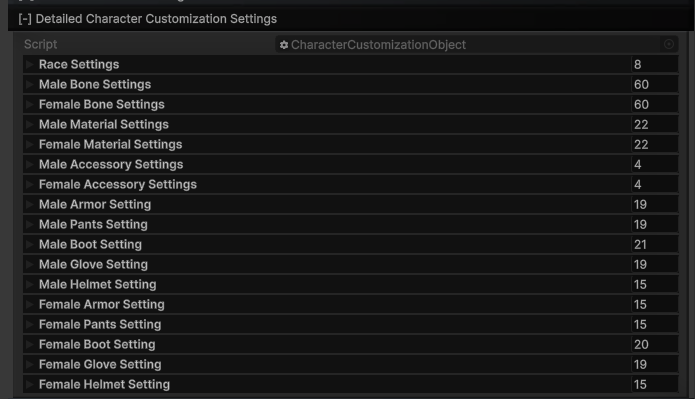
These categories provide a modular structure for fully customizing your character's appearance, allowing developers to tweak everything from body proportions to detailed accessories and outfits.You can easily modify the below settings manually. Additionally, we provide tools that allow you to set up those customization options with a single click when adding new customization items. For more detailed instructions, please refer to:
Race SETTINGS
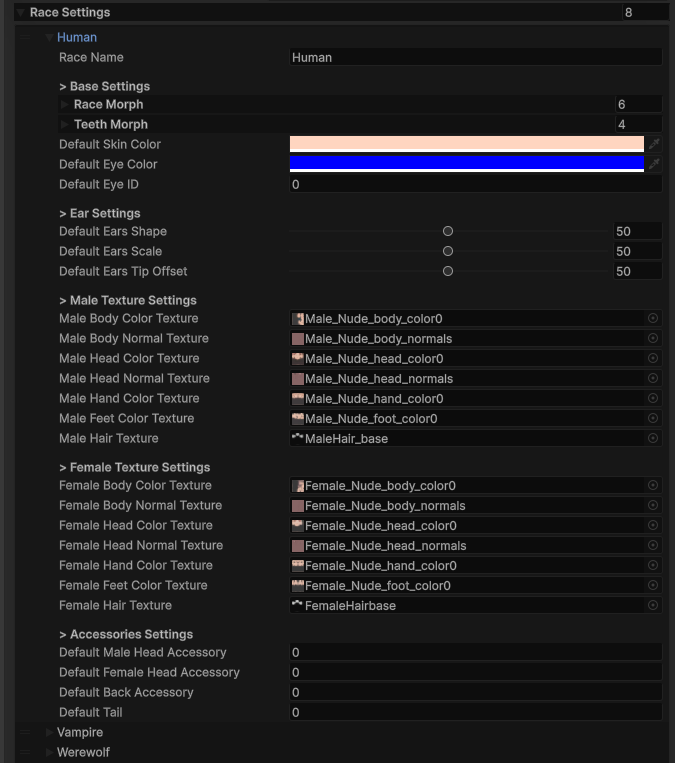
Defines the blendshape combination, texture override and accessories of different races. You can add your own race here by simply adjust the settings.
BONE SETTINGS
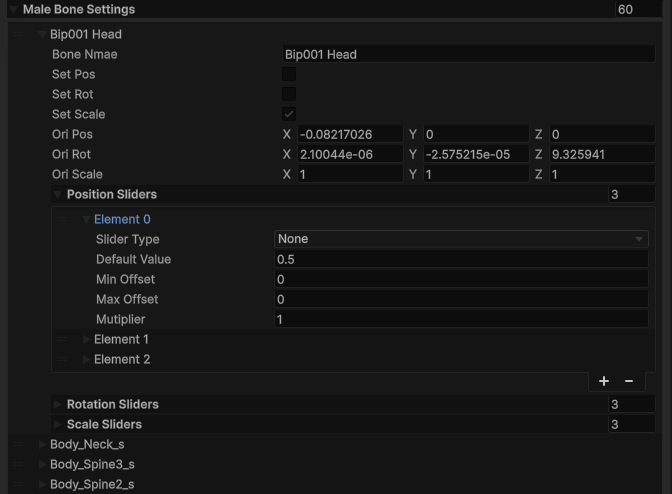
Defines the character’s skeletal structure and proportions. This includes settings for bone scaling, positioning, and rotation to customize the body shape.
MATERIAL SETTINGS
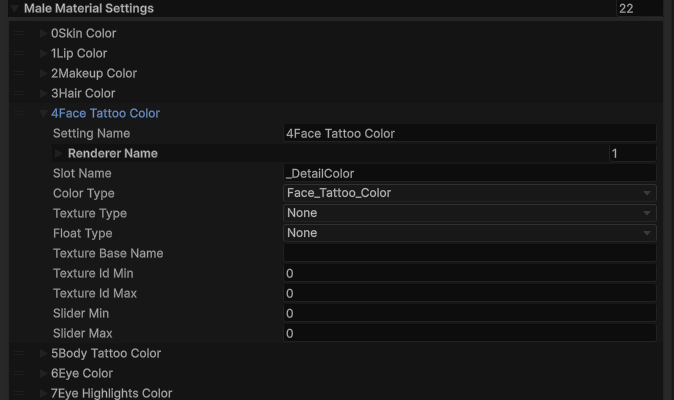
Controls the visual appearance of the character’s skin, hair, and other textures. This includes customization options like skin tone, eye color, hair color, and material attributes like offset and transparency.
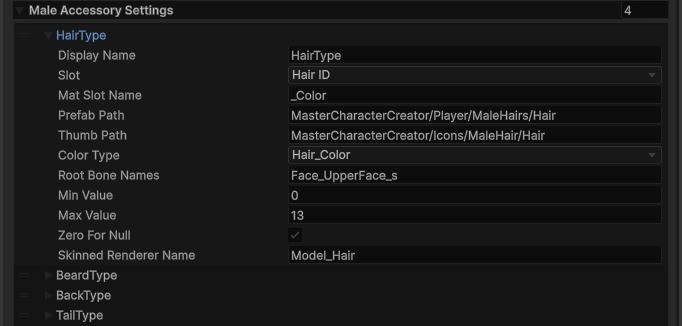
ACCESSORY SETTINGS
Includes customization options for accessories such as beards, hairs, or other character enhancements. These settings allow for adding, modifying, or removing accessories from the character.
OUTFIT SETTINGS
Manages the character’s clothing and armor, divided into separate parts like helmet, armor, gauntlets, and boots. Each slot can be customized or swapped to create unique outfits.
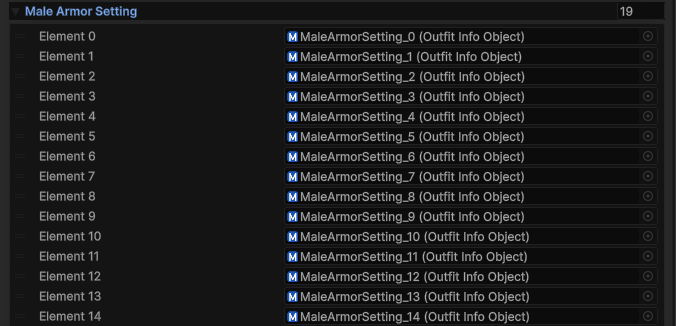
Each outfit setting is a scriptable object, which can be created via context menu:
Create > Soft Kitty > Character Creator > Outfit Info
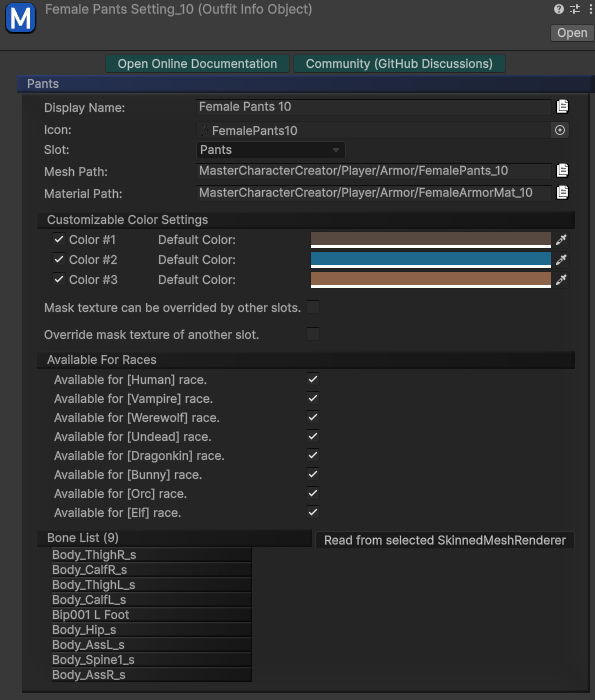
When we release new outfits in the future, they will come with these Outfit Info scriptable objects, simply drag them to the end of the associated list will add them to your game.