Static Health Bar
Static Health Bar (Screen-Space)
Use Static Bar when you need a bar fixed at a UI location (for example, top-left player HP), instead of following a world-space target.
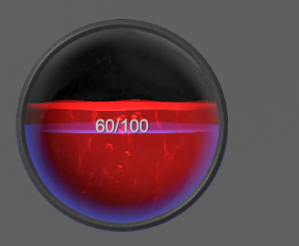
1) Add a Prefab to Canvas
From:
Assets/SoftKitty/MasterHealthBarSystem/Prefabs
Choose the desired bar style prefab and place it under your scene Canvas.
Make sure the parent GameObject of the static bars has a Canvas component that enabled TexCoord1 and TexCoord2

2) Enable Static Bar Mode
On the prefab instance, open BarUI and enable:
Static Bar
This prevents world-to-screen tracking behavior.
3) Select Bar Setting
Select a BarSetting from the dropdown:

This will visualize the bar based on the setting you selected.
Click the Apply Bar Setting button if you have made any changes for the selected BarSetting.
Please note, each Static Bar has its own material, it is located in:
Assets/SoftKitty/MasterHealthBarSystem/StaticBarMaterial
You can reuse those materials for bars shares the same BarSetting, and feel free to replace the VFX textures, as worldspace floating bar won't be effected.
4) Optional Entity Binding
If your project uses SoftKitty shared data, bind this static bar to an entity by selecting an Entity from the dropdown:

Common Notes
- Keep bar UIDs aligned with entries in BarSettings.
- You can create separate static bars for HP, shield, boss HP, or party status.